
No AI needed. Maps, recording and GPX all work in the app on their own. Connect your own AI and it can also answer questions across all your rides.
What you do
- Save the trail map for your area before you go, with hillshade and contour lines, ready for no signal.
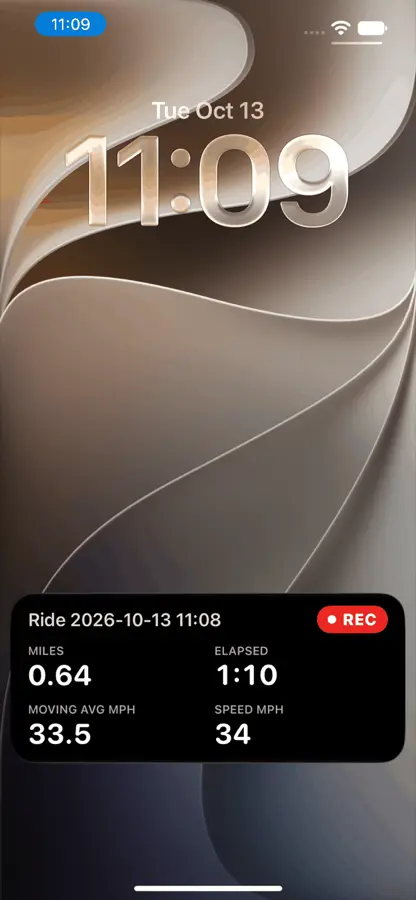
- Mount the phone and tap record. The map follows you, and the lock screen shows distance, time and speed.
- Ride. Every trail you have ridden is drawn on the map in its own colour with a difficulty from 1 to 5, and your passes over the same stretch line up with the fastest marked.
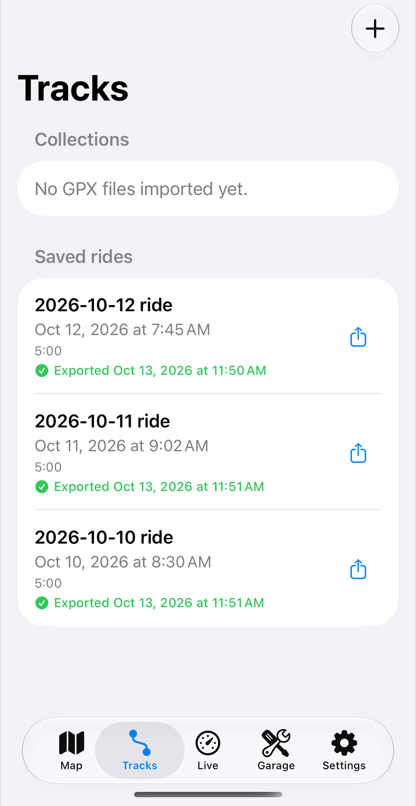
- Save. Take the ride out as GPX any time, or bring in a friend's track to ride next.
What you see
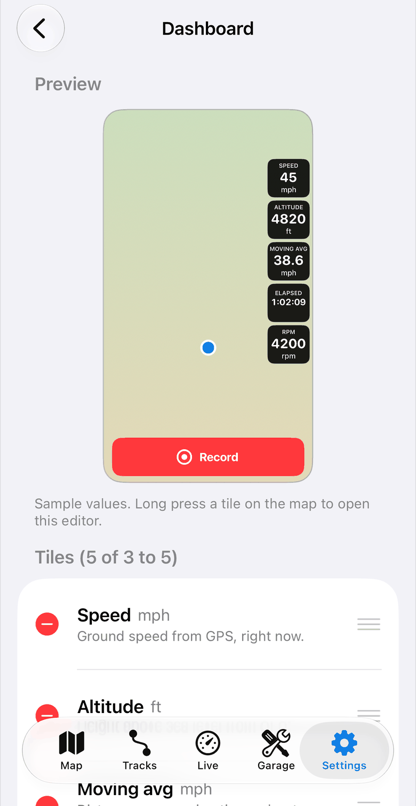
The Moto app opens to the map, ready to record, with the tiles you choose over it.
Add your own AI, and ask
If you use an AI assistant, connect it to your lifelever and ask in plain words. It answers from your record and says where each number came from.
Example answer from your AI, using demo data
How did Saturday's ride compare with my other rides on that loop?
Your AI
Saturday was your fourth ride on that loop, and your quickest.
| Ride | Distance | Total time | Stopped |
|---|---|---|---|
| Sat Oct 31 | 21 mi | 2 h 24 min | 34 min |
| Sat Oct 24 | 21 mi | 2 h 41 min | 52 min |
| Sun Oct 11 | 20 mi | 2 h 58 min | 61 min |
The difference: less time stopped on the two long climbs, not a higher top speed.
Stopped time includes the fuel stop.
What you need
- Needed An iPhone on iOS 17 or later
- Optional A handlebar mount that locks the phone and damps vibration
- Optional No data connector: maps and recording need only the phone
- Optional Your own AI assistant, if you want to ask questions about it
lifelever is in private beta, free while the beta lasts. Then it is $5.99 a month with every app included. Your own AI is optional, and its plan is separate. Pricing.